
How to play
This app is not a poker game — it is the scorekeeper. You deal real cards at the table, and the app tracks who has bet what, how big the pot is and whose turn it is. One person can run it for the whole table, or you can pass the phone around and let each player tap their own action.
Step 1: Set up the game
Start on the setup screen and fill in how your table plays:
- Number of players: anywhere from 2 to 20. Four to ten works best in practice.
- Player names: real names make the action screen much easier to follow mid-hand.
- Starting chips: the stack everyone begins with.
- Bet unit: the smallest chip denomination. Every other amount has to be a multiple of it, which keeps the numbers clean.
- Blinds: set the small and big blind, or turn blinds off entirely. You can also have them go up automatically every few hands, which is how you keep a tournament from running all night.
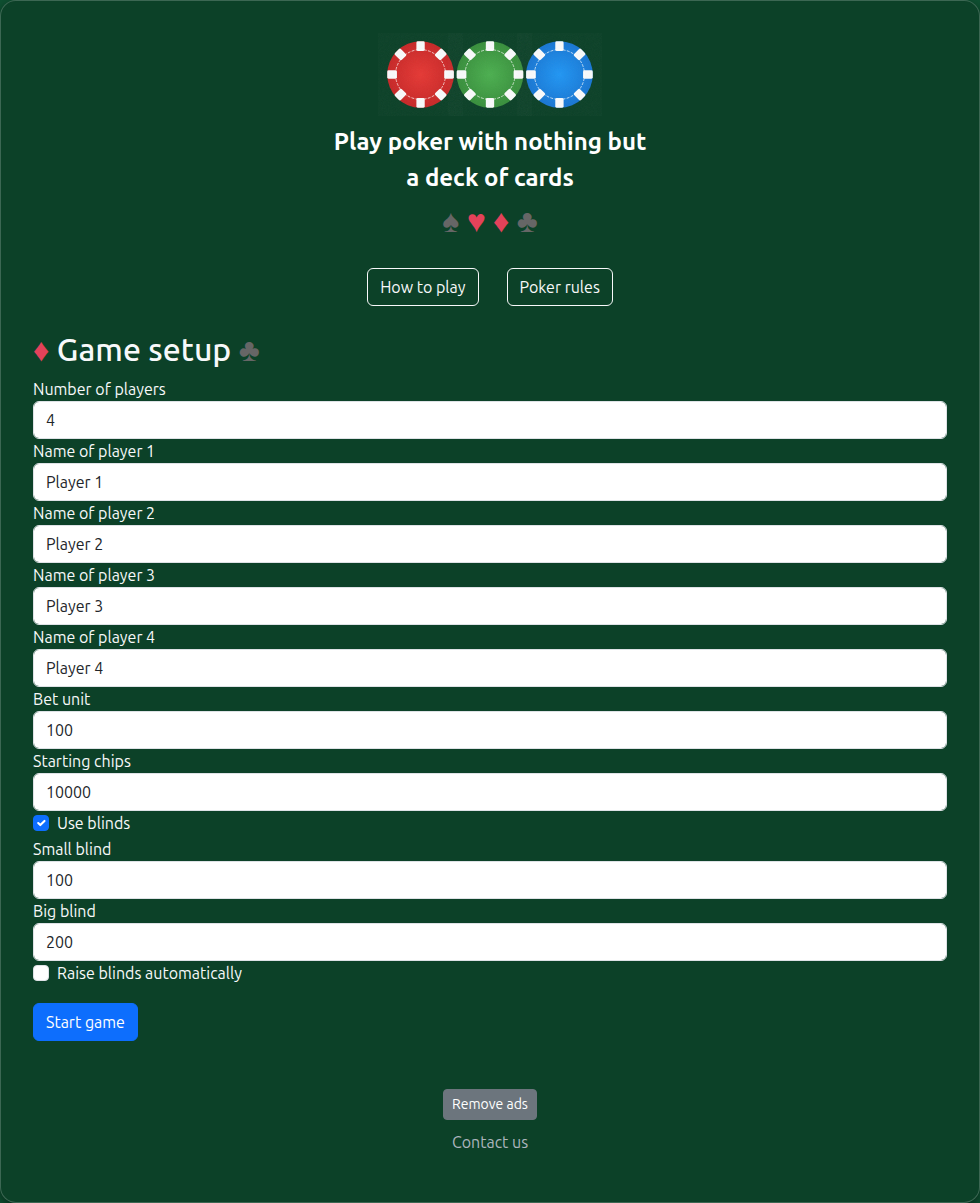
The setup screen.
Step 2: Deal and play the pre-flop
Start the game, then deal two cards to each player as usual. The app posts the small and big blind for you, and highlights the player who is up to act.
On your turn, tap fold, check, call, raise or all in. Once the betting round is settled, the app moves to the next street on its own — you never have to tell it the round is over.
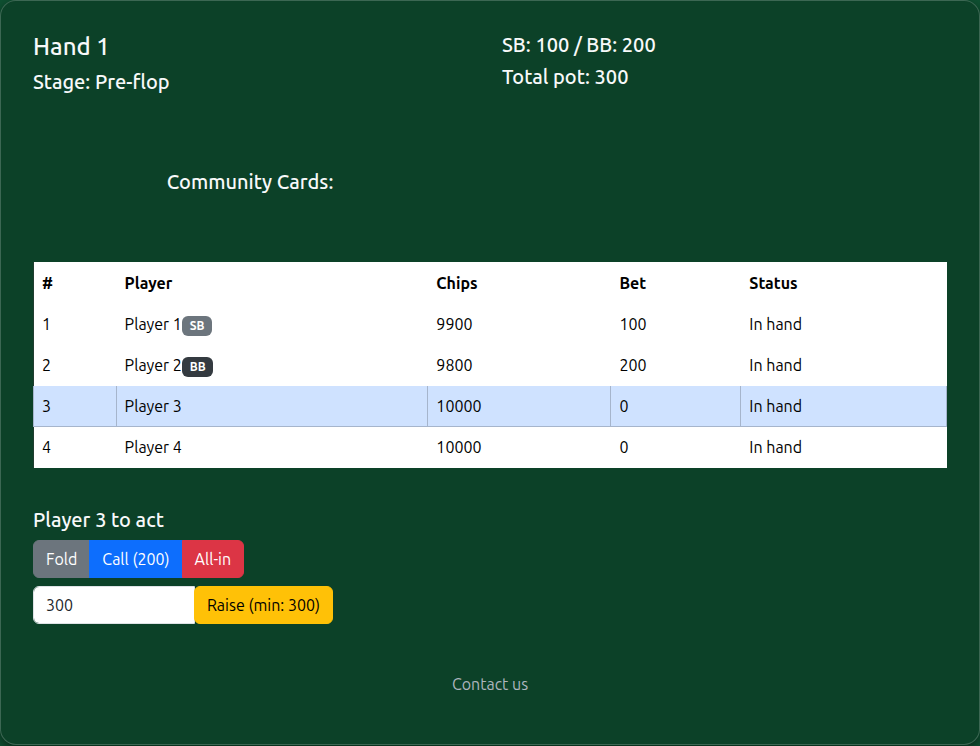
During a hand you can see the total pot, who is posting the blinds, and whose turn it is.
Step 3: Flop, turn and river
When the stage indicator changes to Flop, deal three community cards face up and play the next betting round. Then one card for the turn, one more for the river, with a betting round after each.
The app is only ever tracking the chips, so the cards stay entirely in your hands. If someone misdeals, just fix the cards — the chip counts are unaffected.
Step 4: Pick the winner at showdown
After the river betting round, the remaining players show their cards and you tap whoever has the best hand. The pot is pushed automatically. If two or more players tie, select all of them and the pot is split evenly.
If everyone folds before the showdown, there is nothing to decide: the last player left collects the pot straight away and no winner screen appears.
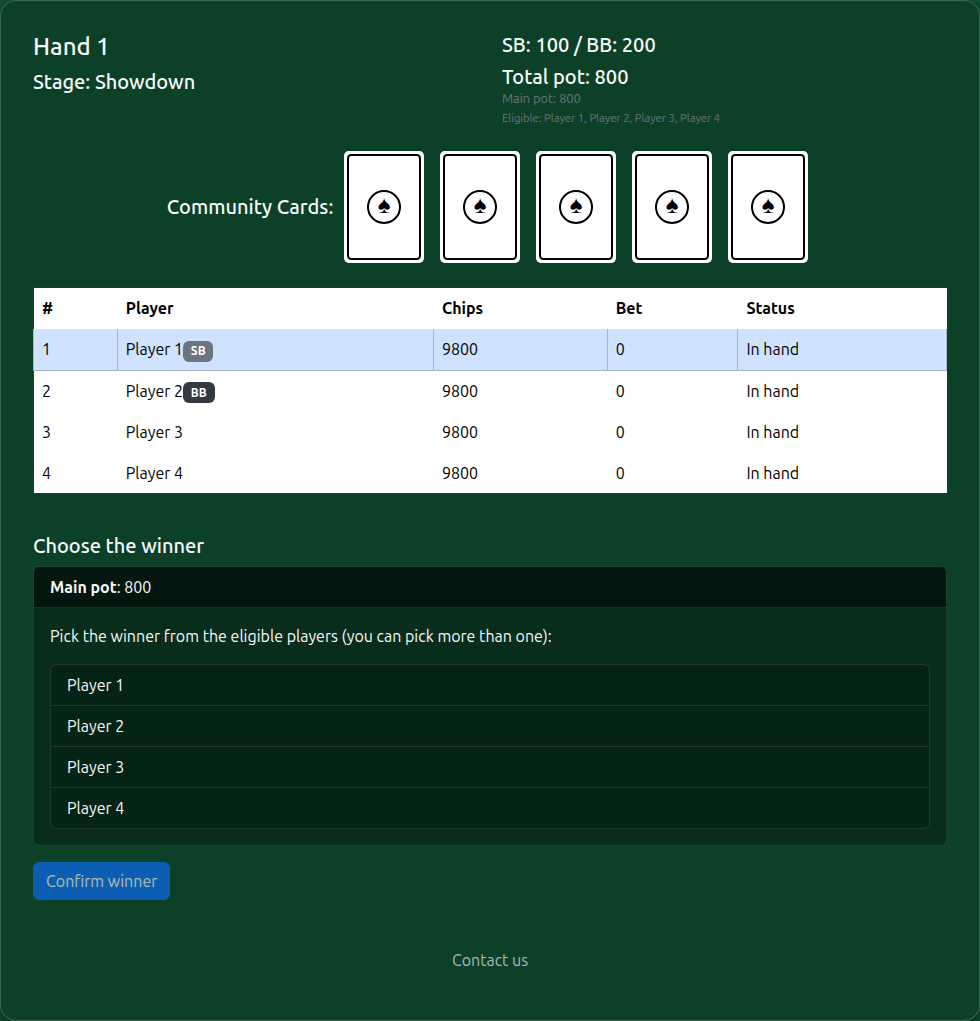
Pick one winner, or several if the hand is tied — a split pot is divided evenly.
Side pots are handled for you
When a short stack goes all in, the app works out the main pot and each side pot by itself, and shows exactly which players are eligible for each one. You just pick the best hand in each pot — no arithmetic, no arguments. This is the part of a home game that usually goes wrong, and it is the main reason this app exists.
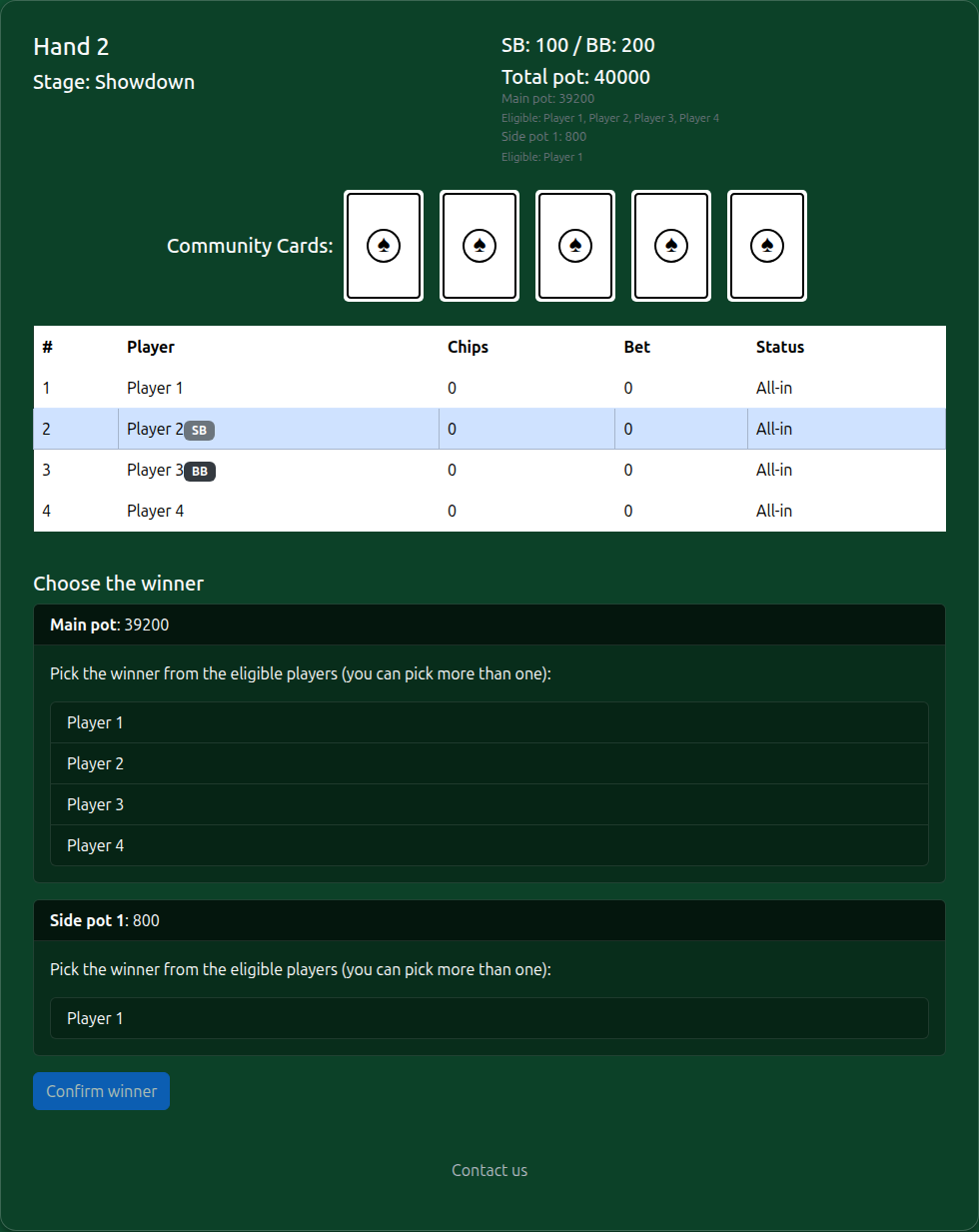
Choose a winner for the main pot and for each side pot separately.
Step 5: Next hand, or stop for now
Once the pot is awarded, the hand is over and you choose what happens next:
- Next hand: the blinds move one seat to the left and the next hand starts immediately.
- Save and exit: the current state is stored in your browser. Next time you open the app, the home screen offers to resume exactly where you left off.
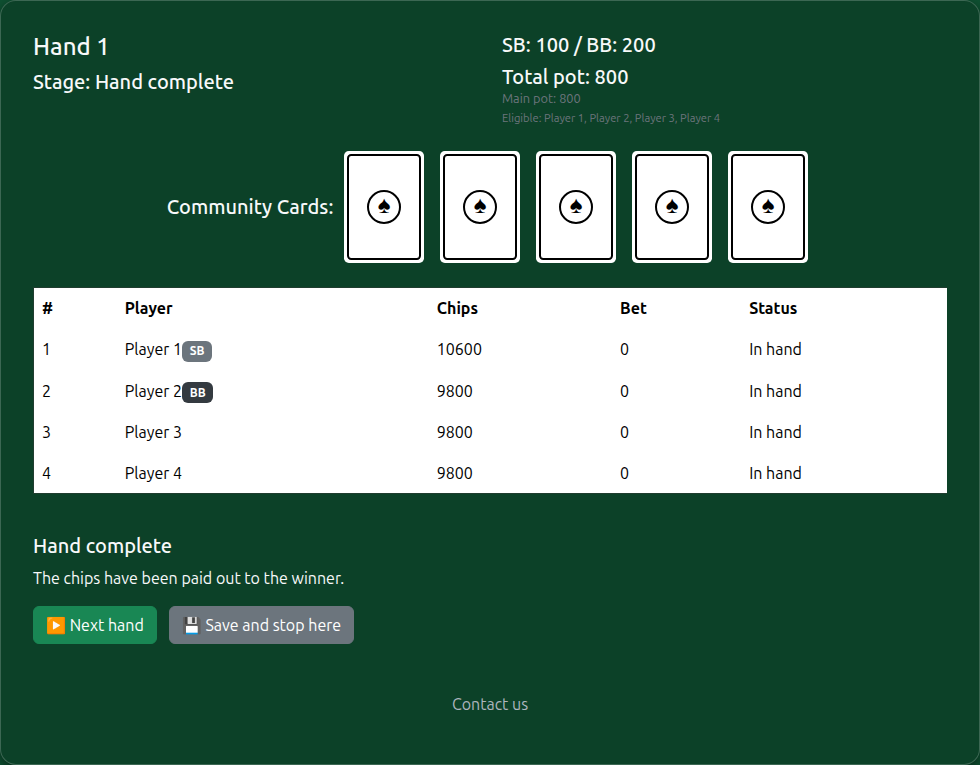
Deal the next hand, or stop and pick the game up later.
Saved games live in your browser's local storage on that one device — nothing is uploaded to a server. Use the same browser on the same phone or laptop and your game will be waiting; clearing your browsing data will remove it.
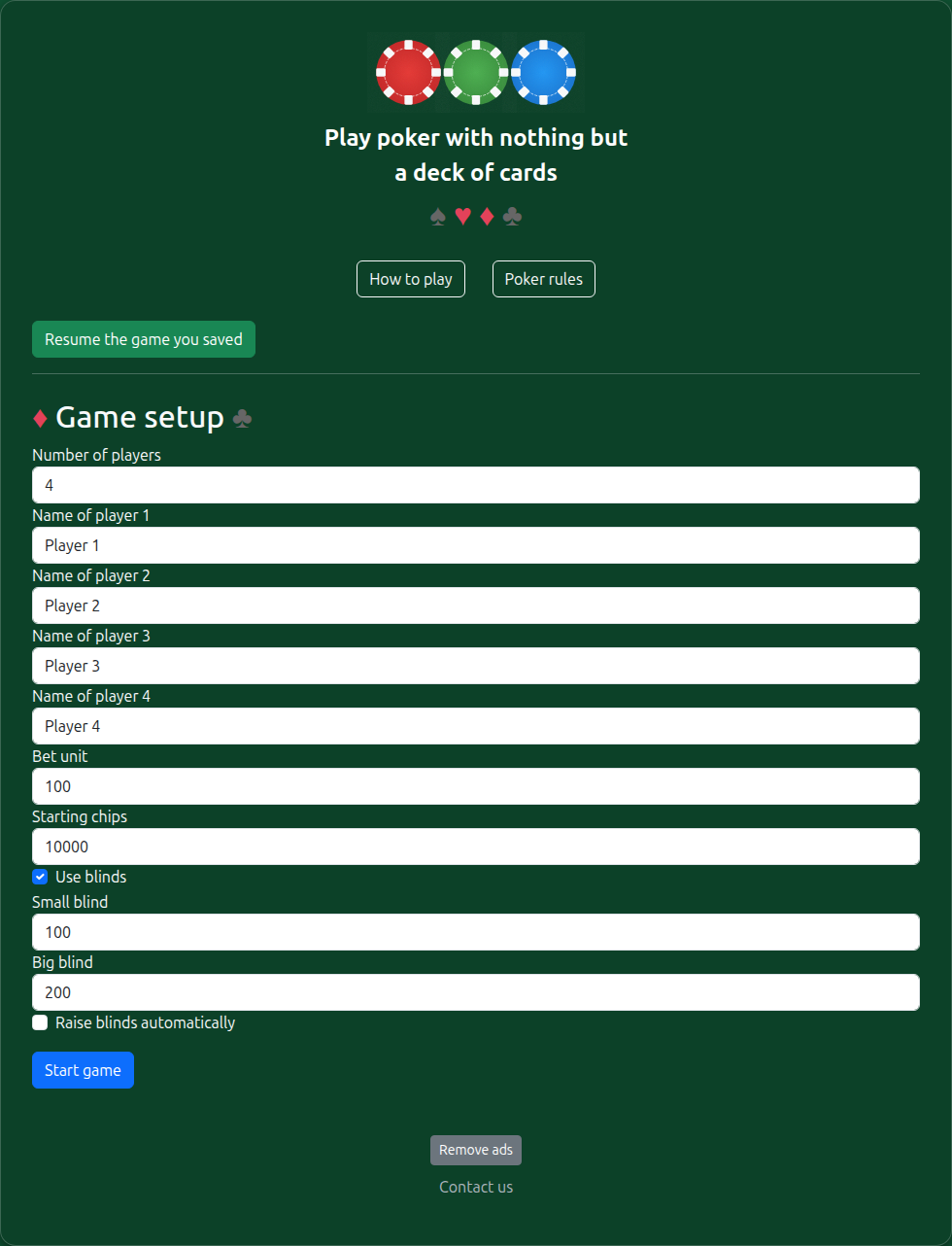
This button appears whenever you have a saved game waiting.
Step 6: Playing on
Each new hand shifts the small and big blind around the table automatically, and skips anyone who has been busted out. If you turned on rising blinds, they step up on the schedule you set.
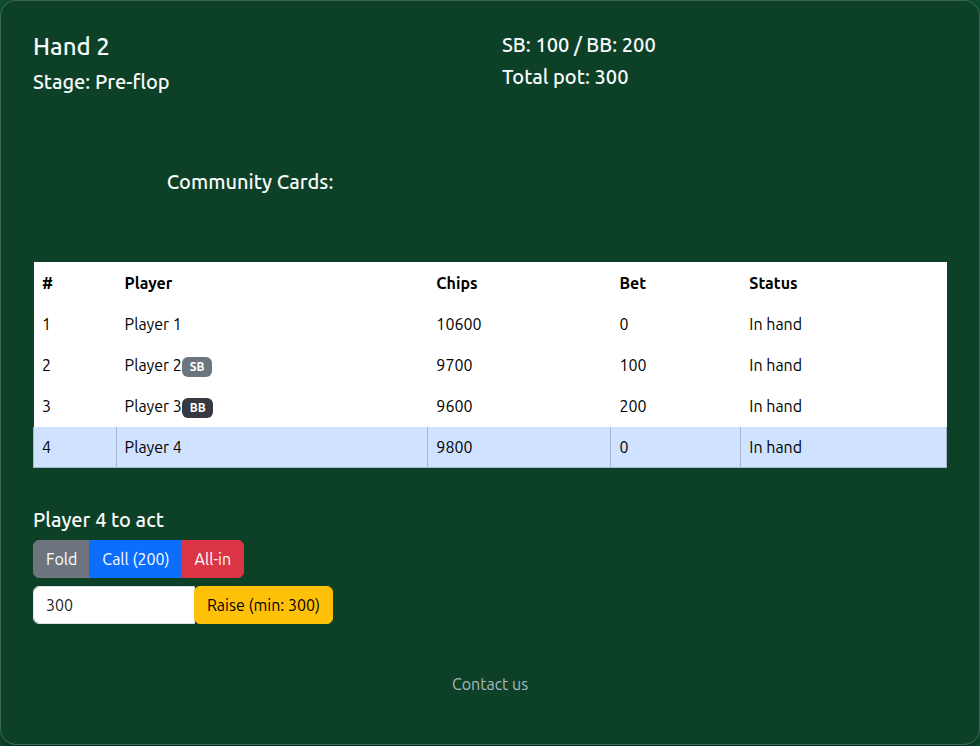
The blinds have moved on and a new hand is under way.
Step 7: Declaring a champion
When one player has every chip on the table, that player wins the session. Choosing next game or save and exitkeeps each player's running win count, so you can play a series over an evening. Choosing end game clears that record and starts you fresh.
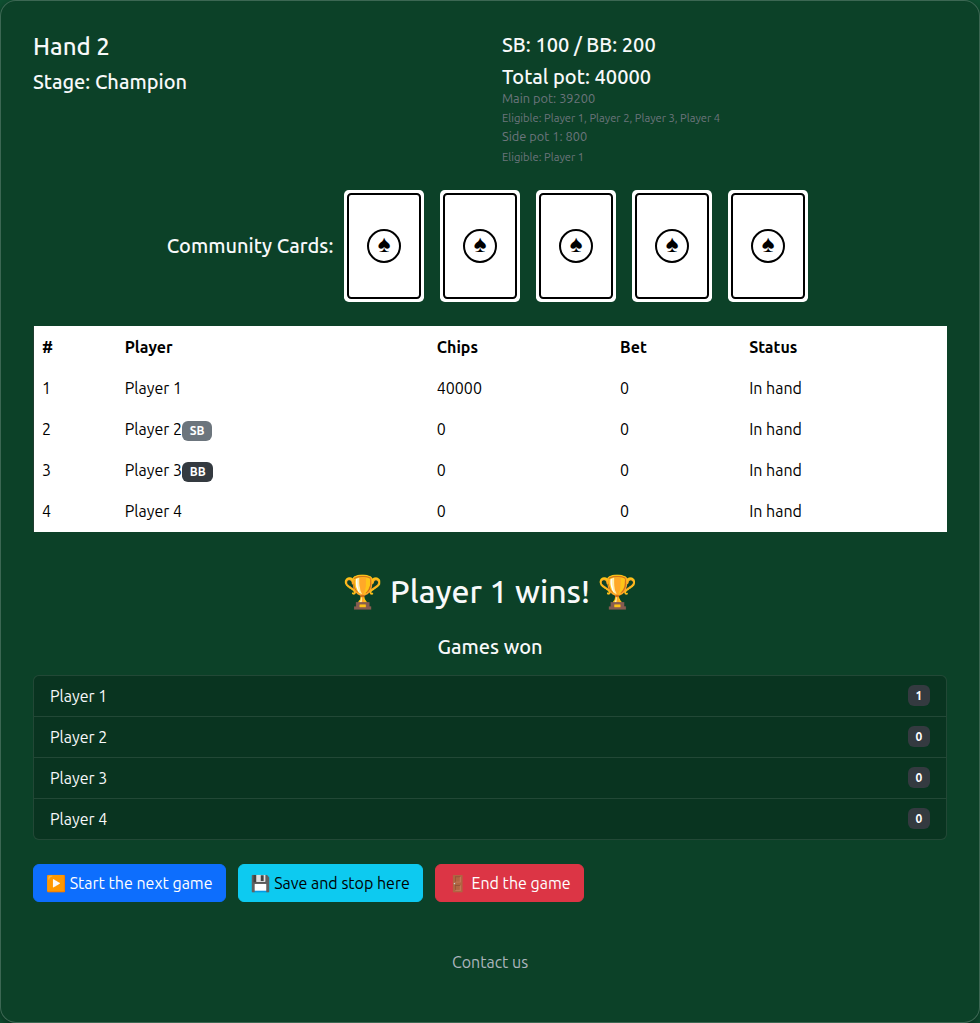
Next game and save and stop here both keep the running win count; end the game discards it.
New to Texas Hold'em, or need to settle an argument about what beats what? See the rules and hand rankings.